logo
languageIconLanguagearrow
  • English
  • Simplified Chinese

Scan to play

Download

Close
Merge PDF: Combine PDF files

Merge PDF: Combine PDF files

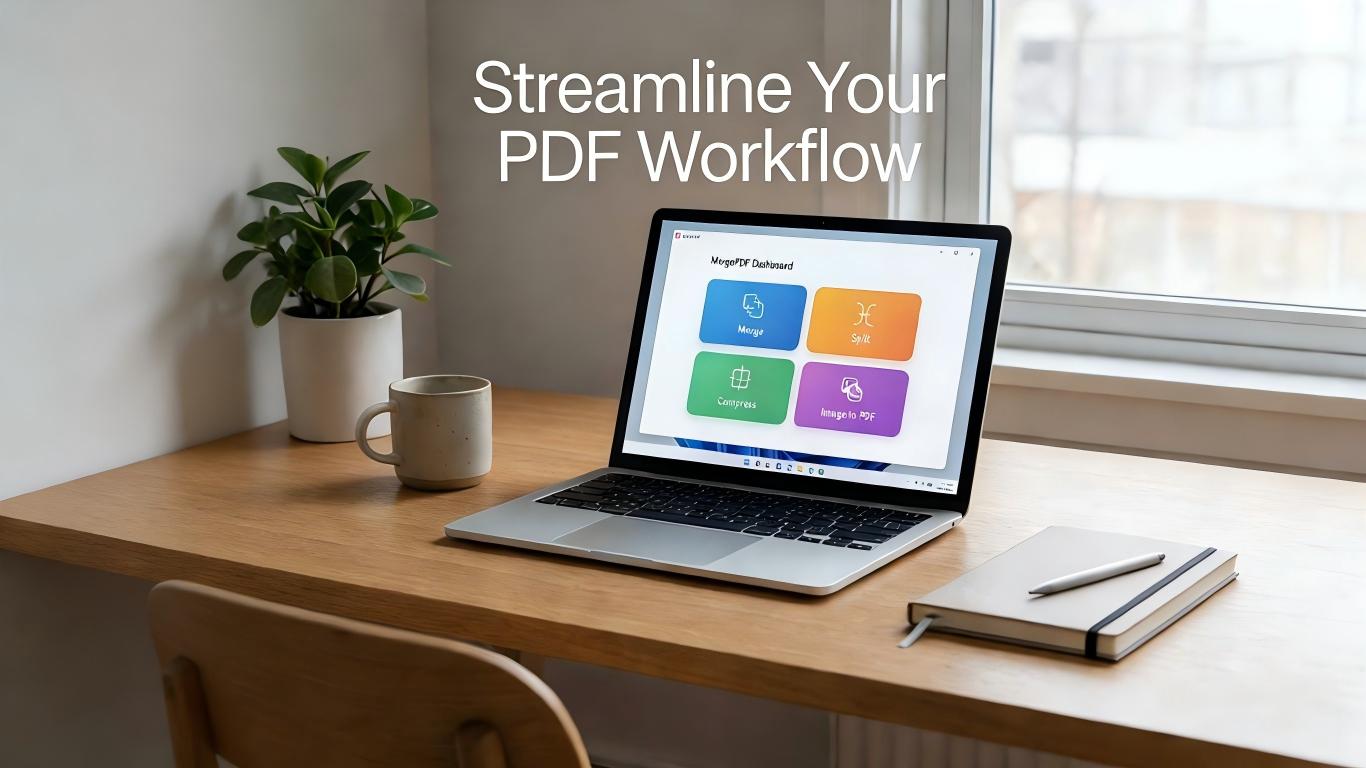
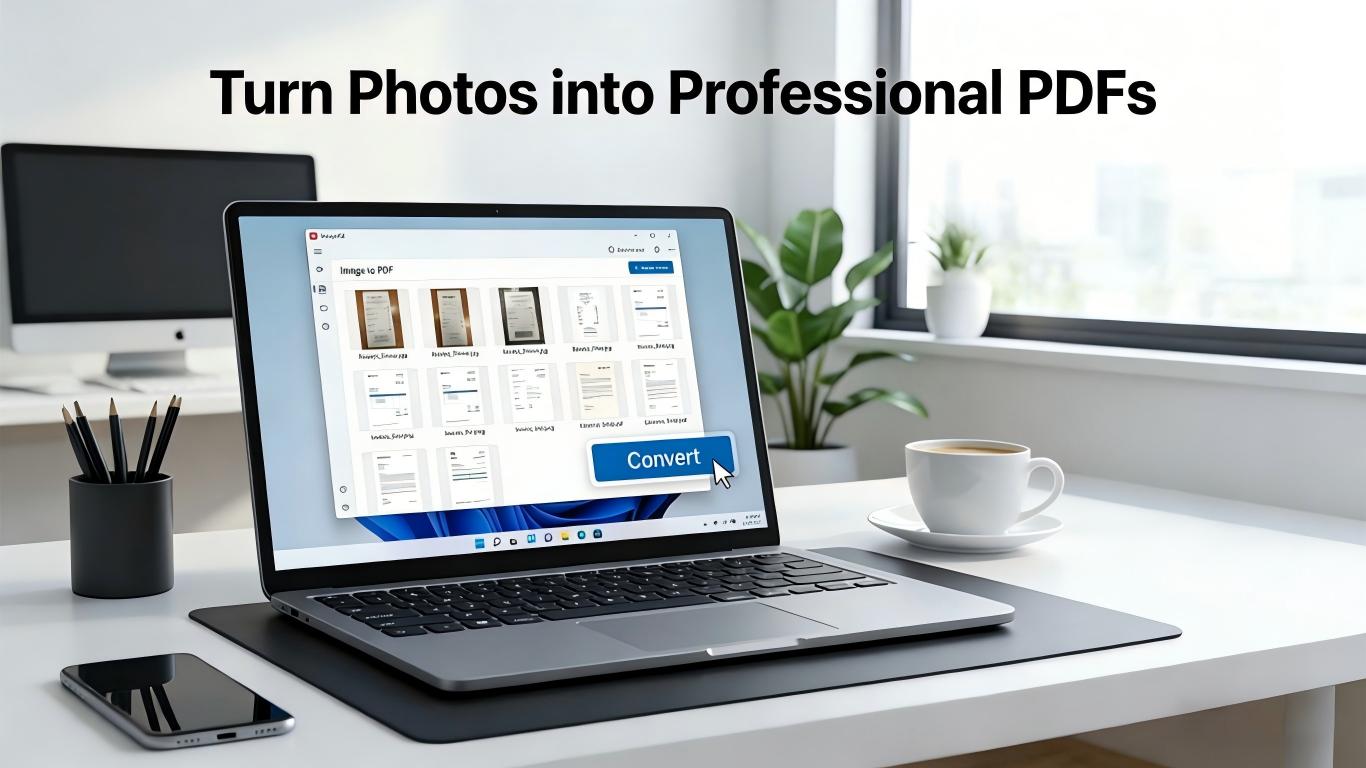
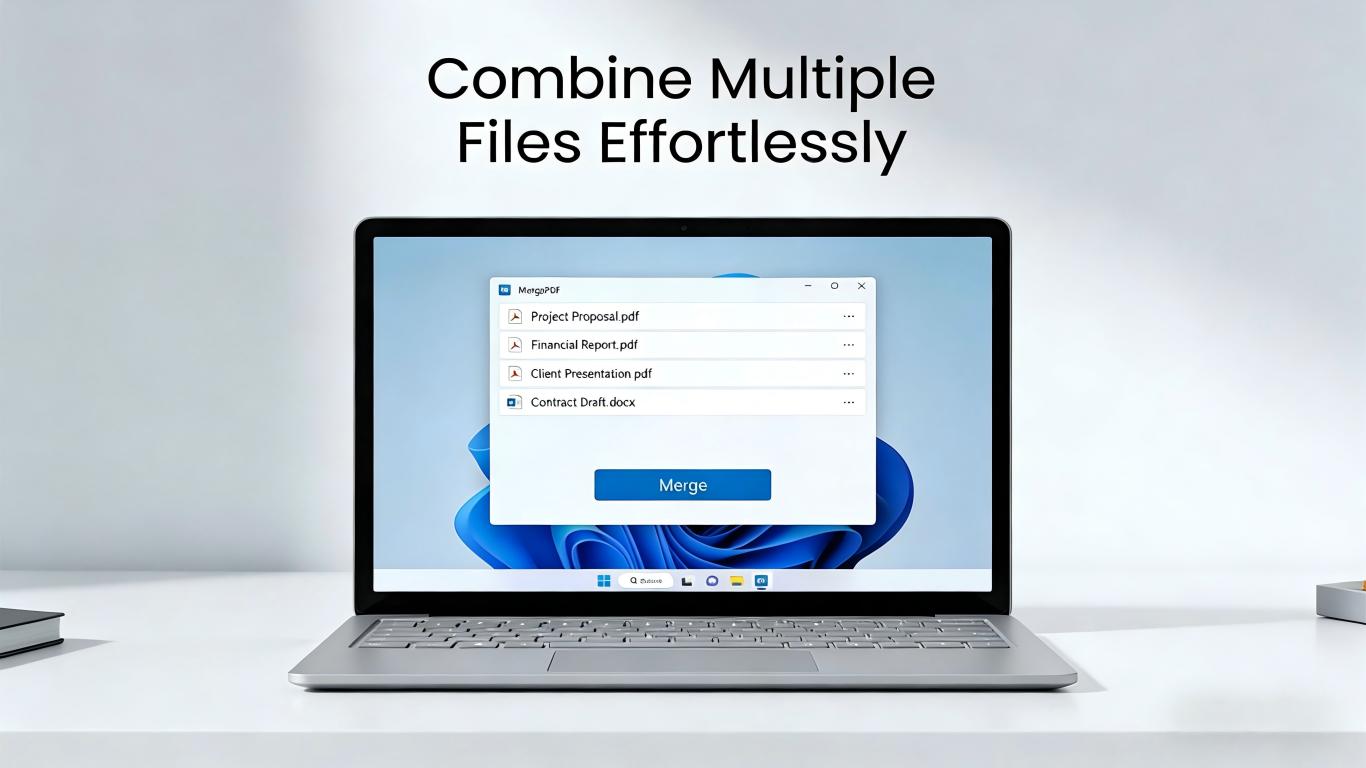
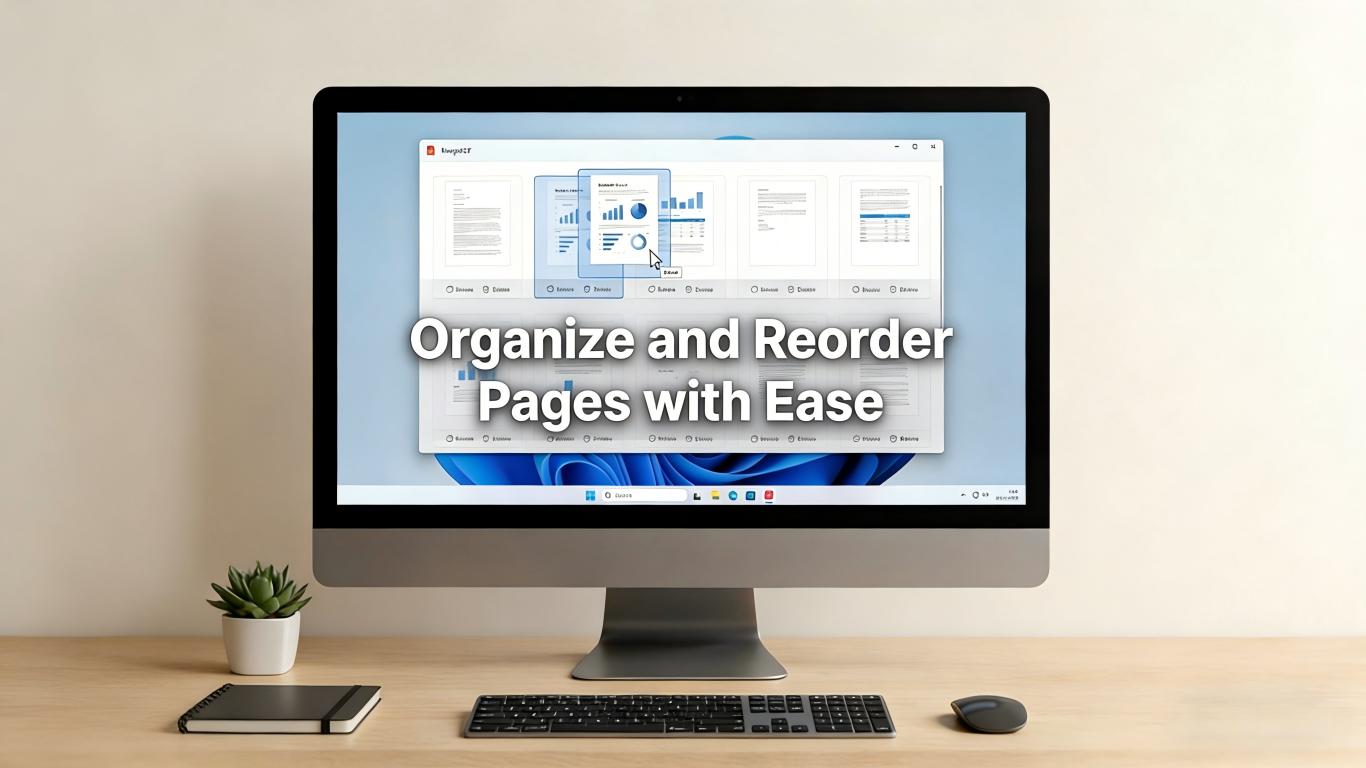
Welcome to the ultimate solution for managing your PDF documents – Merge PDF Merger. Our app is designed with a user-friendly interface, intuitive features, and robust functionality that simplifies the task of merging, splitting, converting, and performing various operations on your PDF files. How to use the Merge PDF Merger: Step 1: Launch the Merge PDF Merger App. You will be greeted with a simple and clean interface displaying various options such as 'Merge PDF', 'Split PDF', 'Rotate PDF', 'Fill Form', and many more. Step 2: To merge PDF files, select 'Merge PDF'. You'll be directed to a new screen where you can add PDF files from your device storage. You can select multiple files in the order you want them to be merged. Step 3: Once you've selected the files, click on the 'Merge' button. The app will process your request, and in no time, you will have a single PDF file combining all your selected documents. Step 4: For splitting a PDF, select 'Split PDF'. Choose the PDF you want to split, specify the range of pages you want in each new document, and hit 'Split'. Step 5: 'Rotate PDF' lets you change the orientation of your PDF pages. Just select the PDF, choose the pages, set the rotation angle, and hit 'Rotate'. Step 6: If you need to fill out a form in a PDF, select 'Fill Form'. Choose the PDF file, fill out the form using the easy-to-use tools, and save your progress. Beyond these, the Merge PDF Merger also hosts an array of other features. 'Annotate' lets you add notes and markups to your PDF, 'Watermark' allows you to personalize or brand your PDF files, and 'PDF Converter' enables you to convert your PDF files into different formats like Word, Excel, Image, and more. The app further enhances its user experience with features like 'Recent Documents' for easy access to your latest files and 'More' options to access settings and give feedback. If you like our app, don’t forget to rate us and share it with your friends and colleagues. With Merge PDF Merger, managing PDFs is no longer a complicated task. It's efficient, reliable, and best of all, designed with you in mind. So why wait? Download Merge PDF Merger today and experience effortless PDF management right at your fingertips!

More>>

safe icon

The APK builds provided by the MG Store has been officially reviewed, please feel at ease to download!

dividerParameter:

  • Release Date: 21/06/2023
  • Publisher: finetunesapp
  • Distribution platform: Microsoft Store
  • User Ratings: starstarstarstarstar
  • Official Website: https://apps.microsoft.com
  • Email:

divider App Type:

dividerShare:

FacebookFacebook TwitterTwitter QQQQ WeChatWeChat Circle of friendsCircle of friends WeiboWeibo
DividerDescription
Welcome to the ultimate solution for managing your PDF documents – Merge PDF Merger. Our app is designed with a user-friendly interface, intuitive features, and robust functionality that simplifies the task of merging, splitting, converting, and performing various operations on your PDF files. How to use the Merge PDF Merger: Step 1: Launch the Merge PDF Merger App. You will be greeted with a simple and clean interface displaying various options such as 'Merge PDF', 'Split PDF', 'Rotate PDF', 'Fill Form', and many more. Step 2: To merge PDF files, select 'Merge PDF'. You'll be directed to a new screen where you can add PDF files from your device storage. You can select multiple files in the order you want them to be merged. Step 3: Once you've selected the files, click on the 'Merge' button. The app will process your request, and in no time, you will have a single PDF file combining all your selected documents. Step 4: For splitting a PDF, select 'Split PDF'. Choose the PDF you want to split, specify the range of pages you want in each new document, and hit 'Split'. Step 5: 'Rotate PDF' lets you change the orientation of your PDF pages. Just select the PDF, choose the pages, set the rotation angle, and hit 'Rotate'. Step 6: If you need to fill out a form in a PDF, select 'Fill Form'. Choose the PDF file, fill out the form using the easy-to-use tools, and save your progress. Beyond these, the Merge PDF Merger also hosts an array of other features. 'Annotate' lets you add notes and markups to your PDF, 'Watermark' allows you to personalize or brand your PDF files, and 'PDF Converter' enables you to convert your PDF files into different formats like Word, Excel, Image, and more. The app further enhances its user experience with features like 'Recent Documents' for easy access to your latest files and 'More' options to access settings and give feedback. If you like our app, don’t forget to rate us and share it with your friends and colleagues. With Merge PDF Merger, managing PDFs is no longer a complicated task. It's efficient, reliable, and best of all, designed with you in mind. So why wait? Download Merge PDF Merger today and experience effortless PDF management right at your fingertips!
DividerInfo
Latest divider News divider Events divider Raiders
DividerRatings & Reviews
Only signing in can you post comments ~
Ratings:
Post a Review arrowarrow
*Ratings:
Review:
  • star star star star star
    0%
  • star star star star
    0%
  • star star star
    0%
  • star star
    0%
  • star
    0%
Most Recent Most Helpful
pc iconSystem Requirements
  • Minimum
    System: Windows 10 32bit
    CPU: Intel Core i3-2100
    Memory: 4GB RAM
    Graphics Card: Nvdia GeForce GTX 550ti
    Hard Disk Drive: 2GB
  • Recommended
    System: Windows 10 64bit
    CPU: Intel Core i5-2100
    Memory: 8GB RAM
    Graphics Card: Nvdia GeForce GTX 1060ti
    Hard Disk Drive: 2GB
dividerLanguage Supported
English (US)
goToTop
COPYRIGHT© 2016-2026 MIRACLE GAMES INC ALL RIGHTS RESERVED.
Resist bad games, refuse pirated games. Pay attention to self-protection, beware of being deceived. Moderate gaming benefits the brain, addiction to gaming harms the body. Arrange your time reasonably, enjoy a healthy life. Age rating: Suitable for use by those 18 and older.
Home
Games
Apps
Personal Center
Support
Gift Code
Recharge
Credits Mall
Forum