

 Developer Cooperation
 Install Client



 Sign out


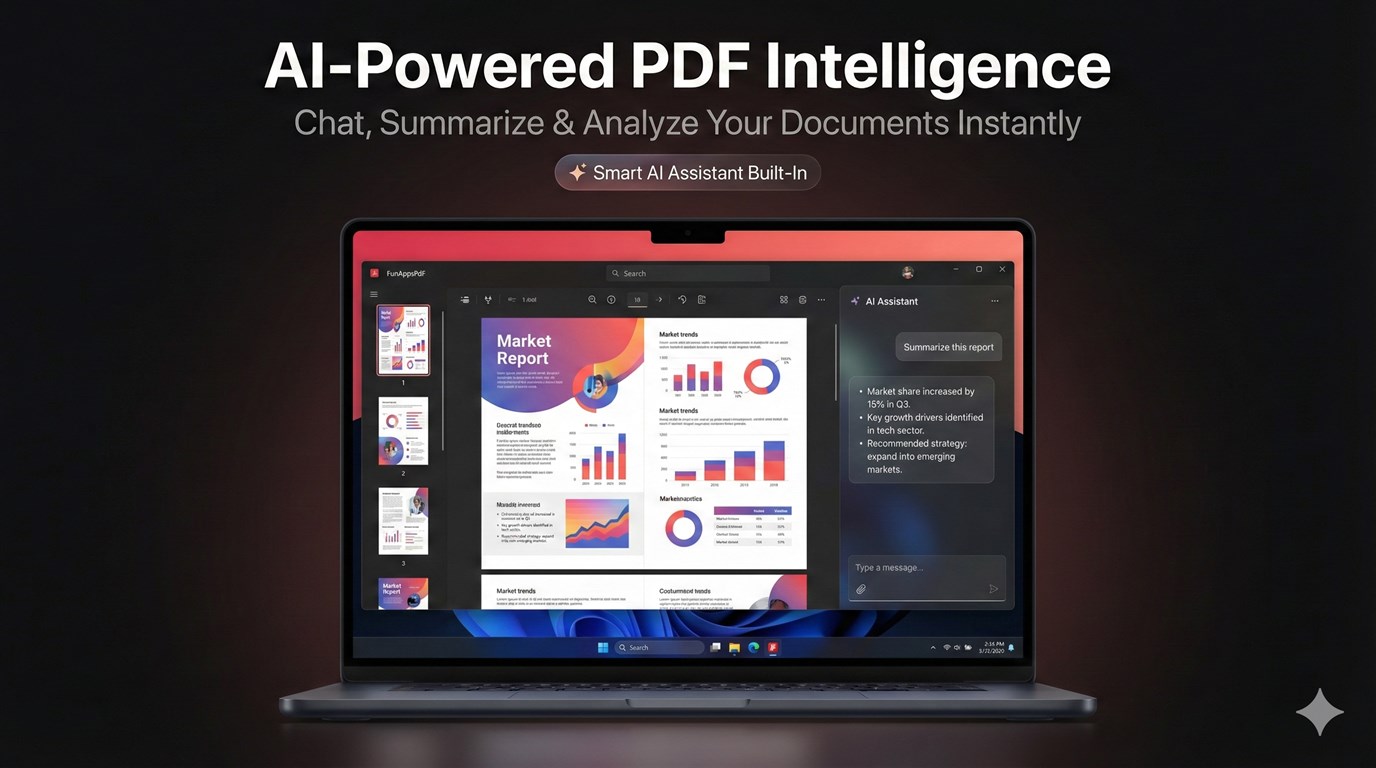
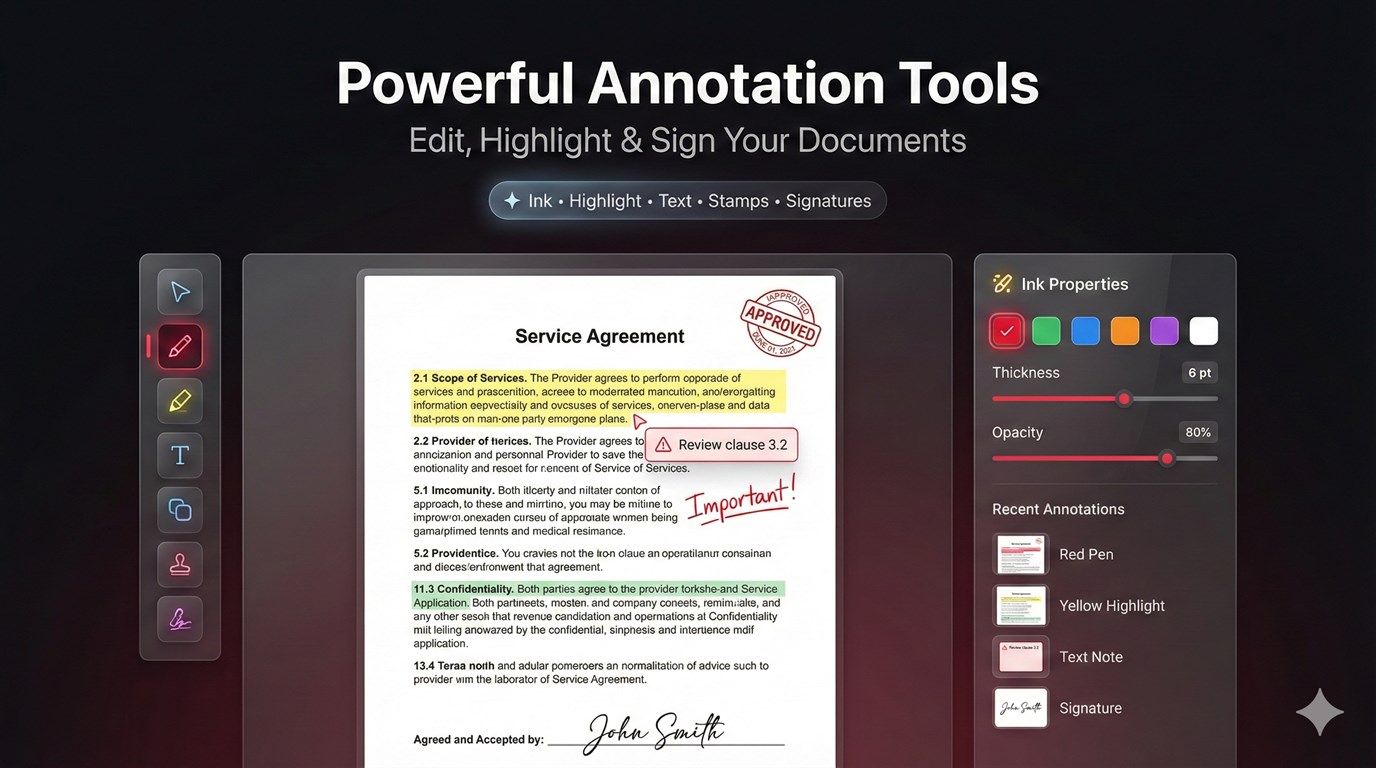
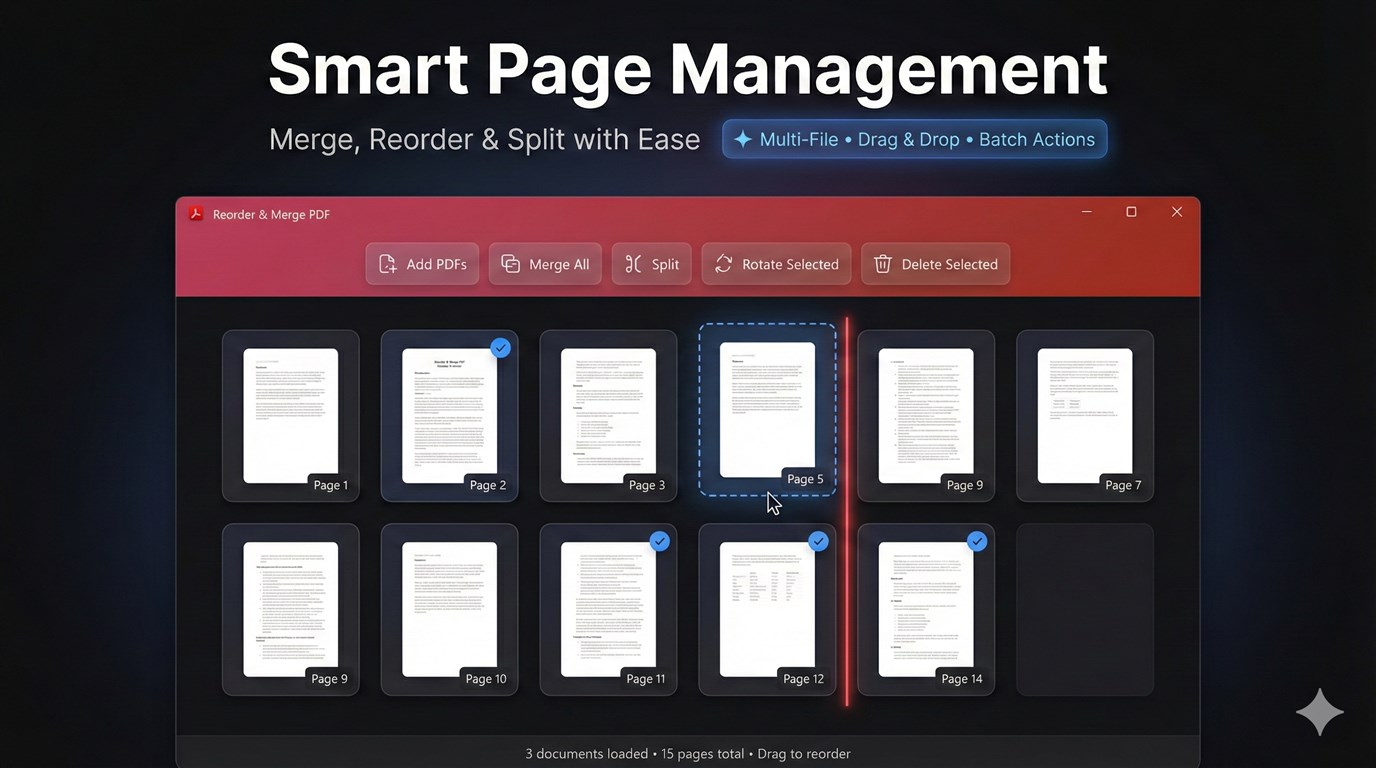
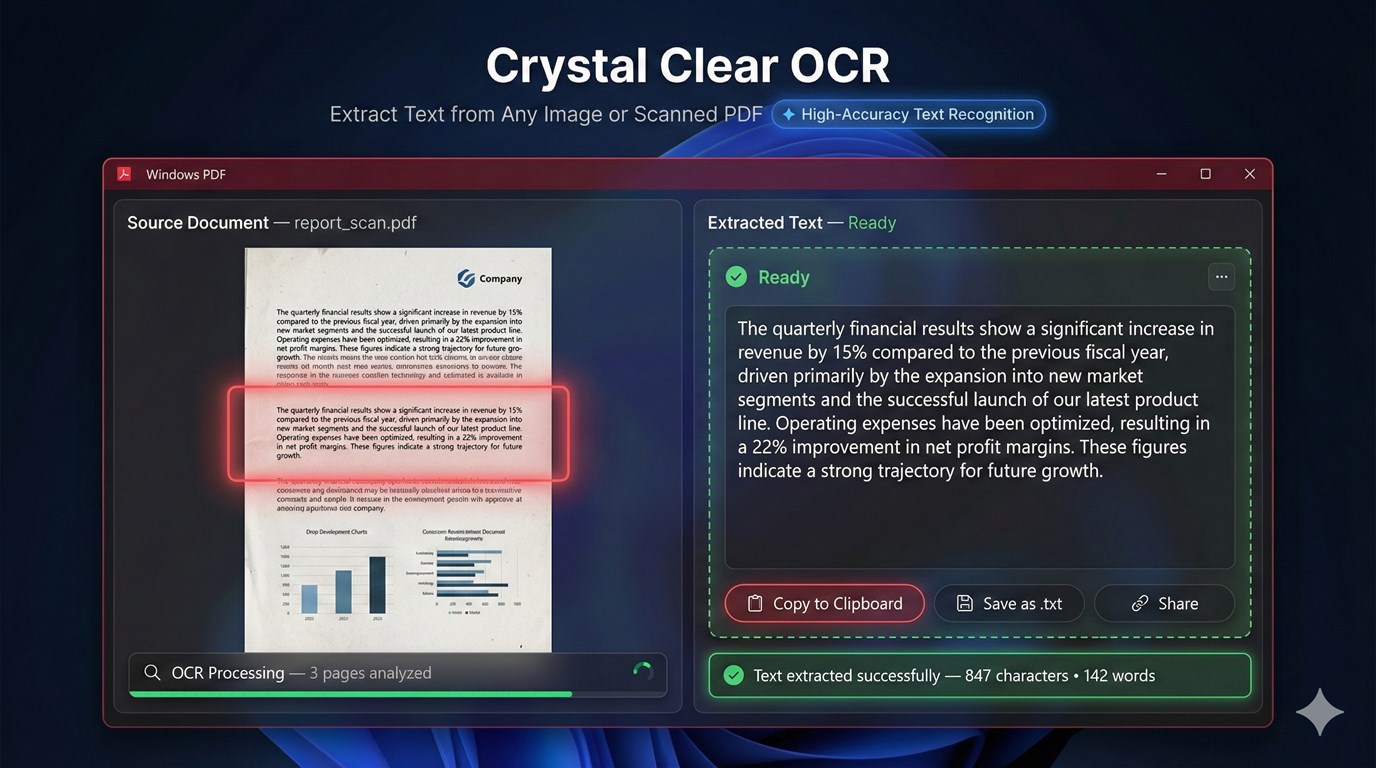
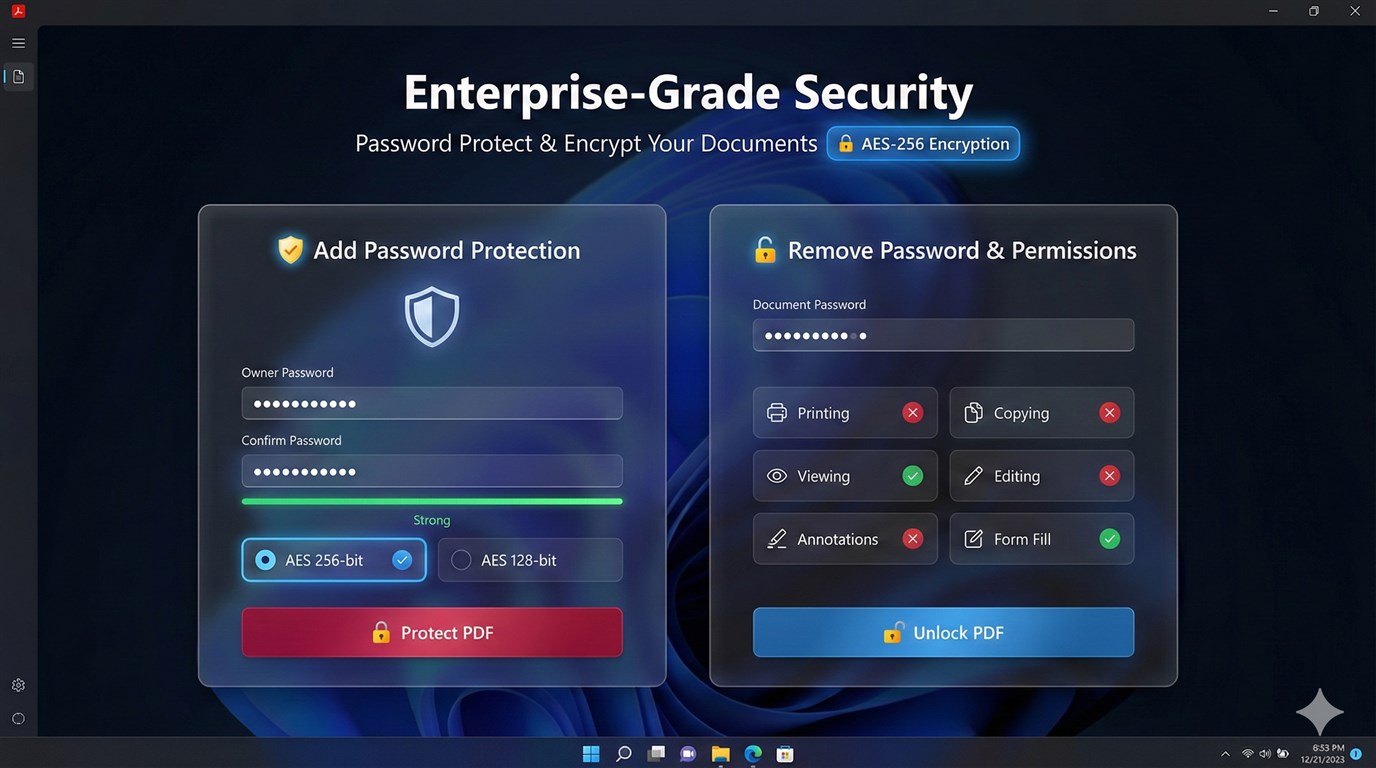
Discover the ultimate PDF toolkit for Windows — one app to view, edit, annotate, merge, sign, and protect your documents. PDF Editor: PDF Reader, PDF Viewer brings everything you need into a single, intuitive app. Open any PDF, add highlights and notes, draw and sign, merge or split files, create PDFs from scratch or from images, and secure them with passwords — all with a clean, modern interface. NOTE Trial & Premium Disclosure: The free version of this app includes daily usage limits on AI-powered features (summarizer, chat, table extraction) and advanced PDF tools (redaction, watermarking). Upgrade to Premium for unlimited access and enhanced productivity tools. View & read PDFs • Open PDFs from your device or drag and drop into the app. • Thumbnail sidebar for quick page jumps. • Zoom and scroll for comfortable reading. • Tabbed interface so you can work with multiple PDFs at once. AI PDF Hub • Summarize long documents in seconds. • Extract tables from PDFs for use in spreadsheets. • Chat with your document — ask questions and get answers from the text. • Simple “How to use” tips and step-by-step guidance built in. Create & combine • Create PDF from a blank document or from images (photos, scans). • Merge multiple PDFs into one; choose specific pages (e.g. 1–3, 5). • Split one PDF into separate files by page range. • Reorder pages with drag-and-drop. Annotate & sign • Draw freehand with pen, highlighter, and shapes; pick colors and thickness. • Add text — comments and notes with your choice of font, size, and color. • Highlight important sections with customizable colors. • Sign documents by drawing, typing, or uploading your signature image. Edit & enhance • Add text and images to any page. • Watermark pages (e.g. DRAFT, CONFIDENTIAL). • Redact sensitive content for privacy. • Extract text from PDFs for reuse elsewhere. Protect & optimize • Add or remove password protection. • Compress PDFs to reduce file size. • QR codes and barcodes — add or read them from your documents. Easy to use • Clear navigation and tooltips so you can start without a manual. • Customize app settings for your workflow. • Save your work with Save or Save As; share edited PDFs easily.
More>>































 Mail:
Support@mguwp.com
Mail:
Support@mguwp.com  Discord:
Miracle Games#6921
Discord:
Miracle Games#6921  Customer
Service Tel: 86-010-85895781(GMT 2:00 AM-11:00 AM on Monday to Friday)
Customer
Service Tel: 86-010-85895781(GMT 2:00 AM-11:00 AM on Monday to Friday)


